WOMBAT
Work Order Management & Business Administration Tool
Track work orders, projects, labor, job costing, and profitability in one powerful platform. Built for teams that manage real work.
Built by Bytecove Software, a Chattanooga custom software development company that also offers AI consulting.
Most teams outgrow spreadsheets long before they replace them.
Without WOMBAT
- Work orders tracked in email and Excel
- Time entered in separate systems
- No way to tie labor to job numbers
- No visibility into job profitability
- Cost overruns discovered after the fact
- Reporting that requires manual cleanup
With WOMBAT
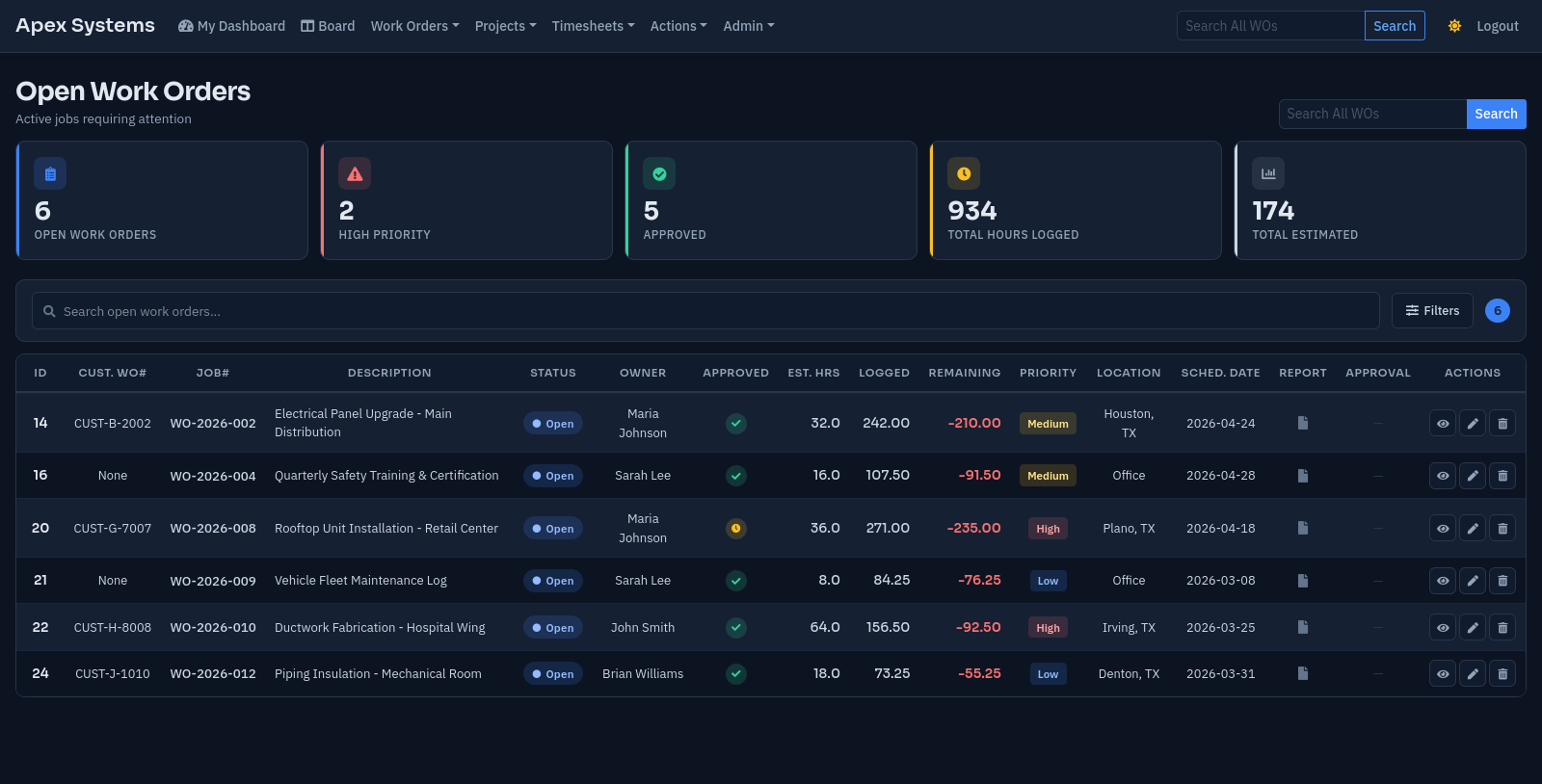
- All work orders in one live dashboard
- Time entries linked directly to jobs and tasks
- Labor hours tied to every work order
- Real-time revenue, cost, and margin per job
- Job costing reports across your entire operation
- Instant analytics and exportable reports
Everything your operation needs. Nothing it doesn't.
Work Order Management
Create, assign, and track work orders with status, priority, owner, estimated hours, and approval workflows.
Time & Labor Tracking
Log time entries against work orders with in/out timestamps, engineer names, and descriptions tied to every job.
Project Management
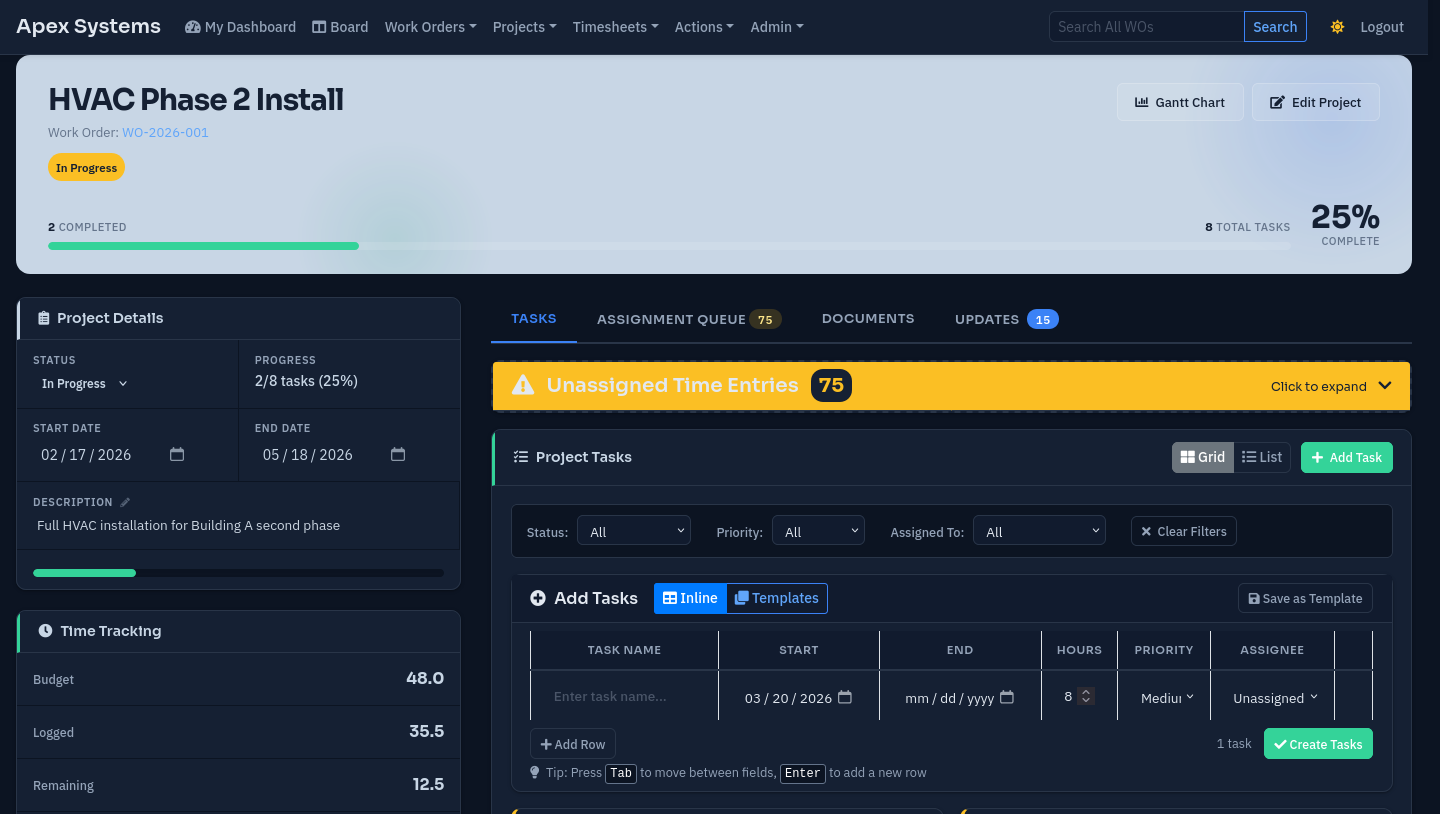
Break work orders into projects with tasks, progress tracking, dependencies, and team assignments.
Gantt Charts
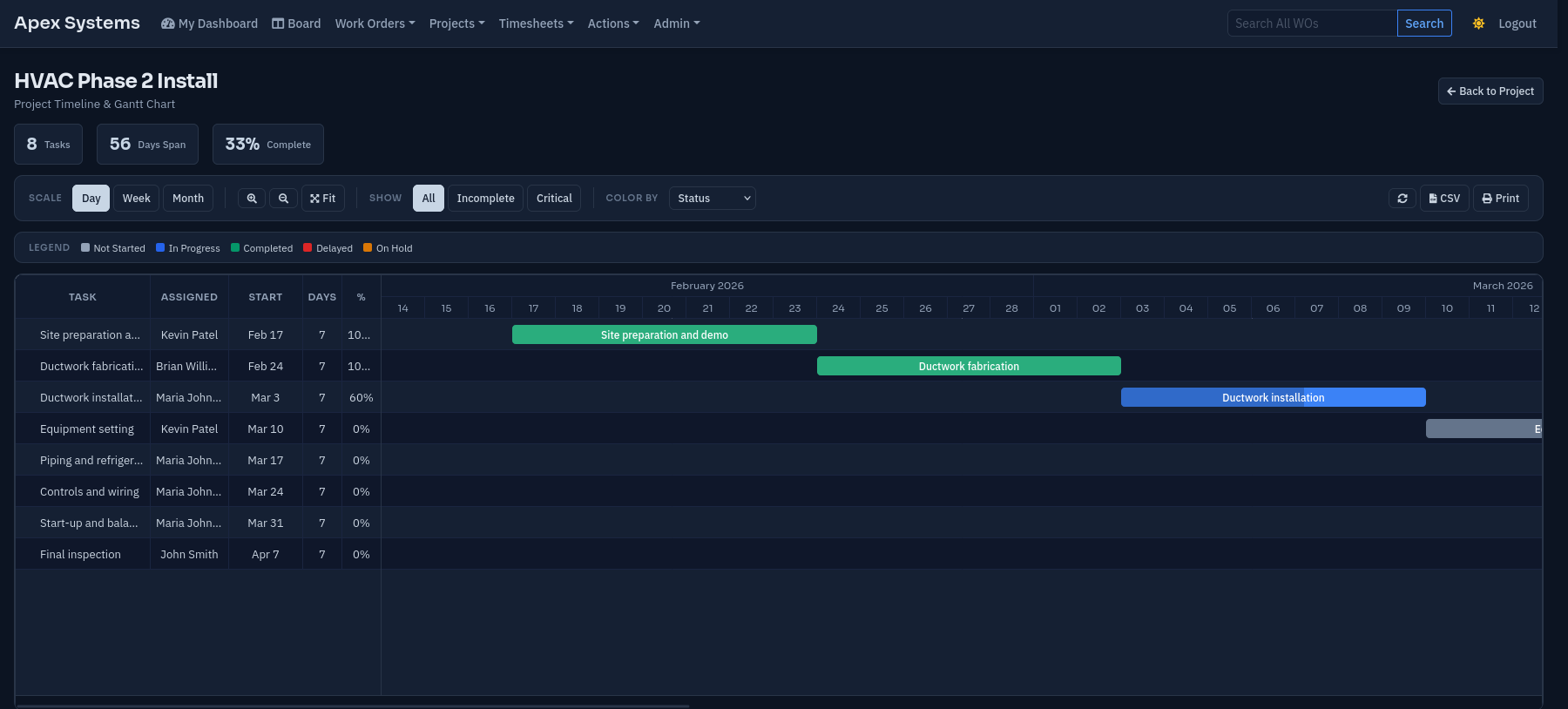
Visualize project timelines, task dependencies, and progress with interactive Gantt chart views.
Analytics Dashboard
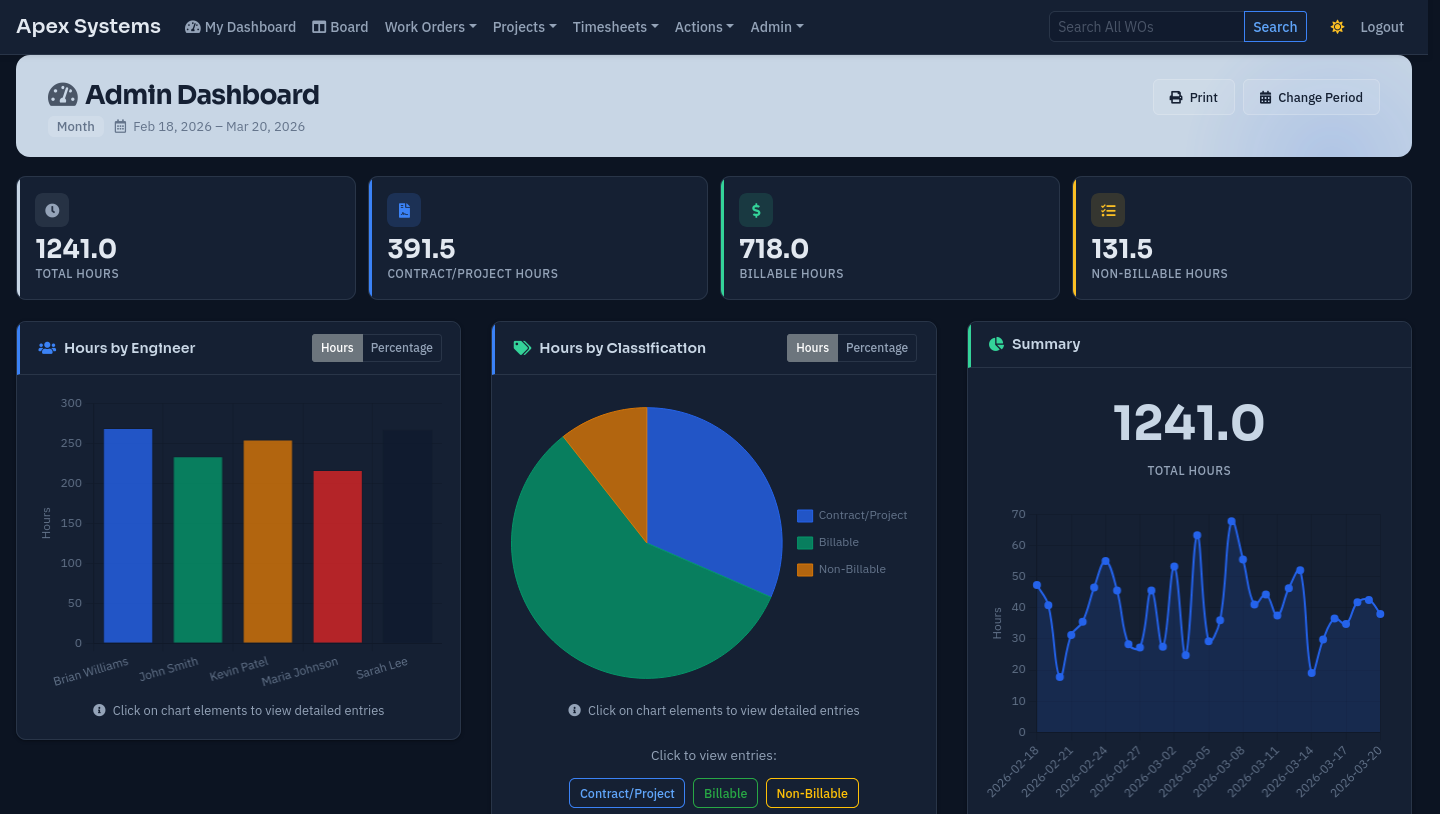
Hours by engineer, classification breakdowns, weekly trends, and work order performance at a glance.
Job Costing & Profitability
Track revenue, labor cost, profit, and margin per work order and task. Bill rates per task, cost rates per employee, with role-gated financial visibility.
Multi-Tenant SaaS
Each organization gets an isolated environment with its own users, data, settings, and branding.
Role-Based Access
Admin, accounting, and user roles with tenant-scoped permissions. Financial data visible only to authorized roles. API key management for integrations.
Dark Mode
A refined dark interface designed for extended use. Low-light optimized with full WCAG contrast compliance.
Mobile-Ready PWA
Progressive Web App with offline support. Install on any device — no app store required.
Every screen built for clarity.
WOMBAT's dark interface keeps your team focused on the work, not the tool. Scroll through to explore.
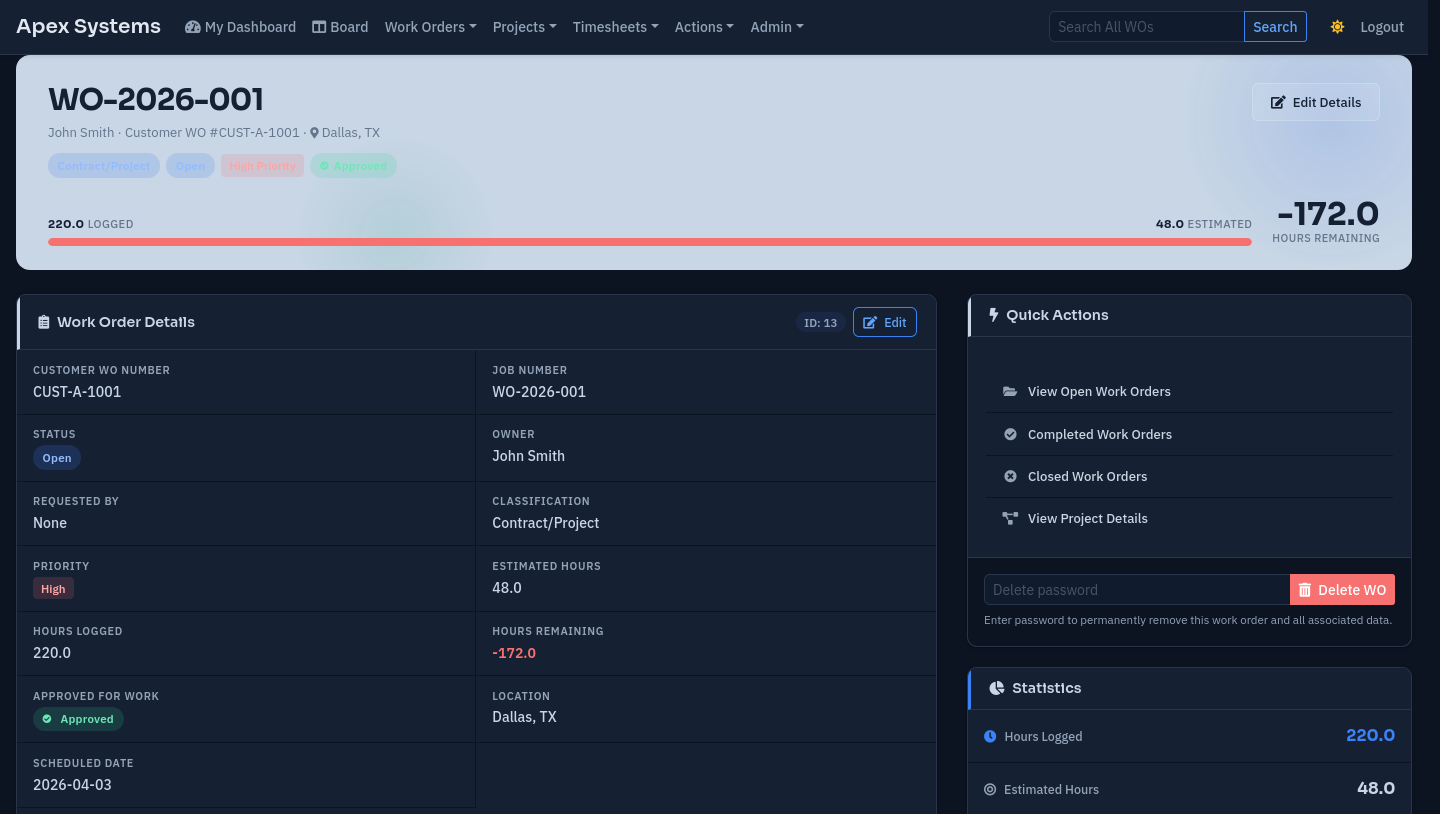
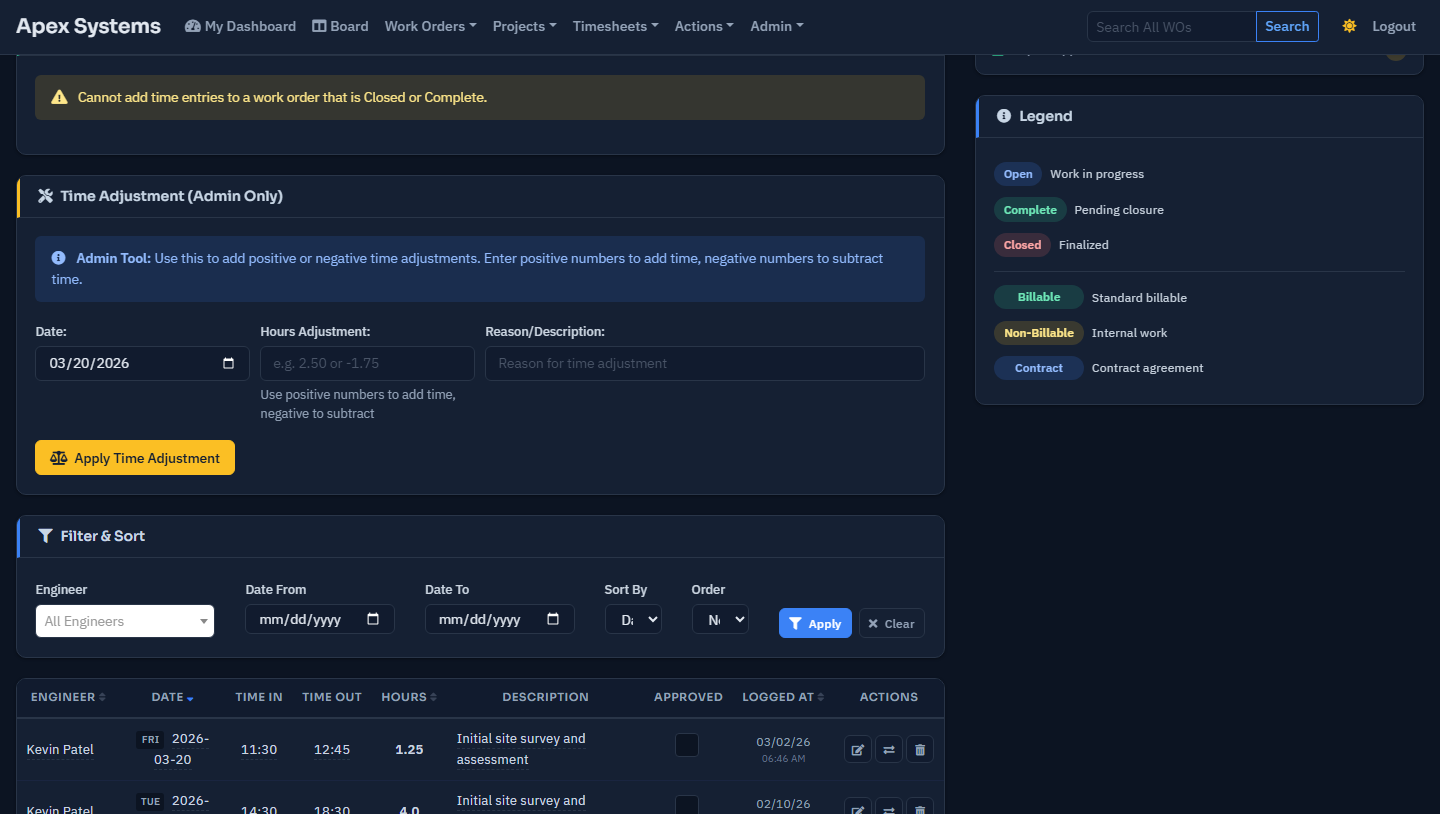
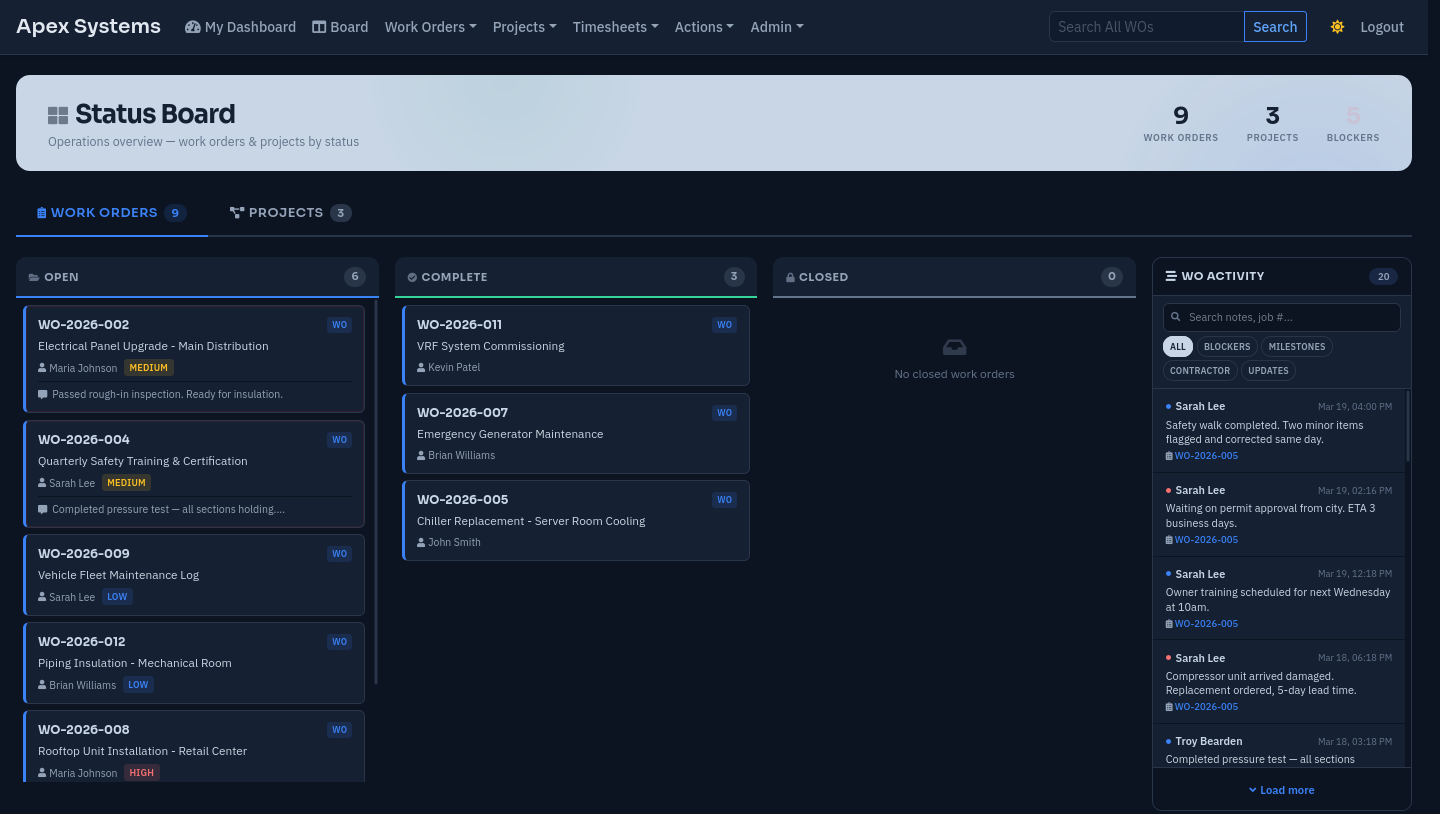
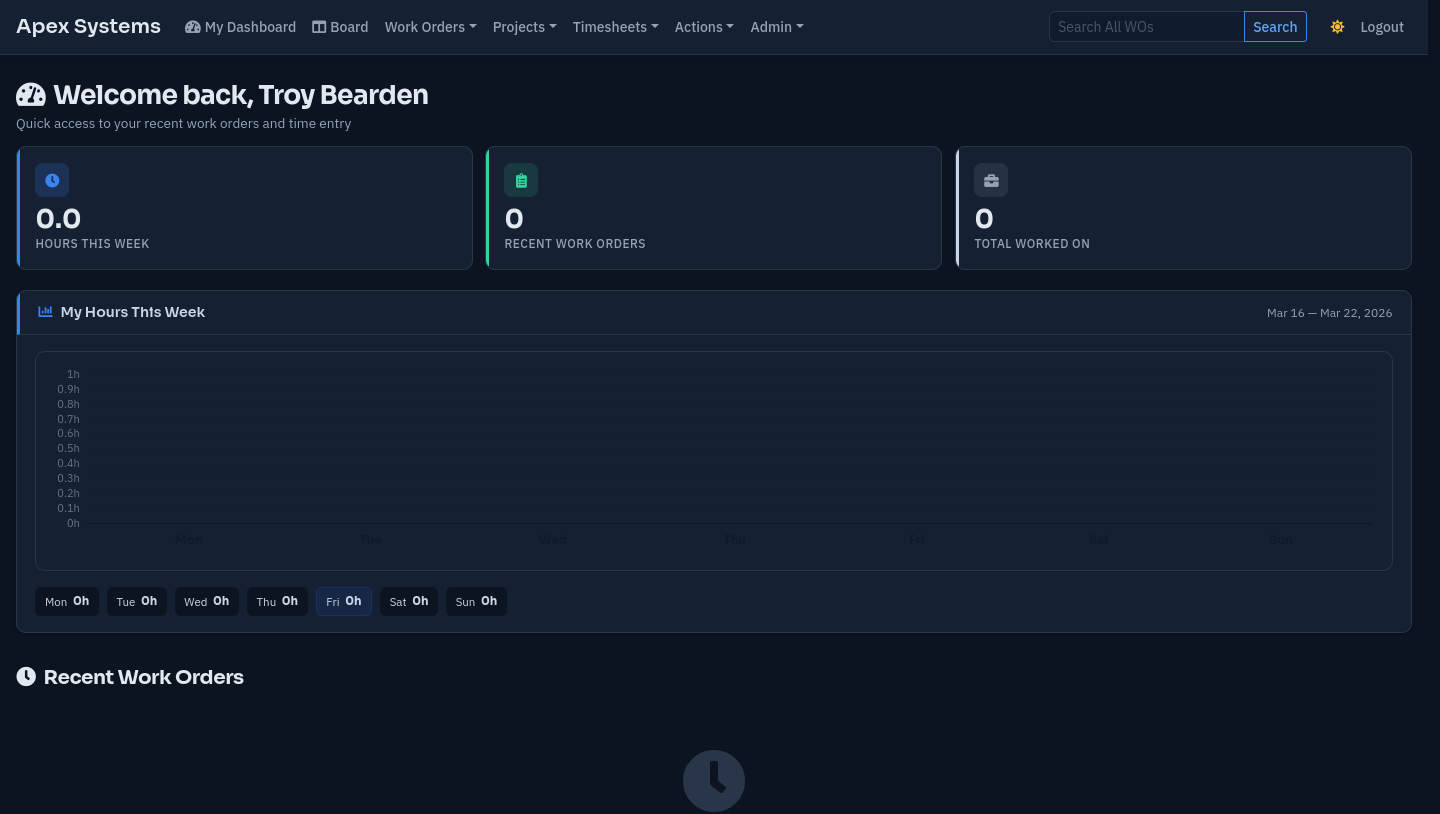
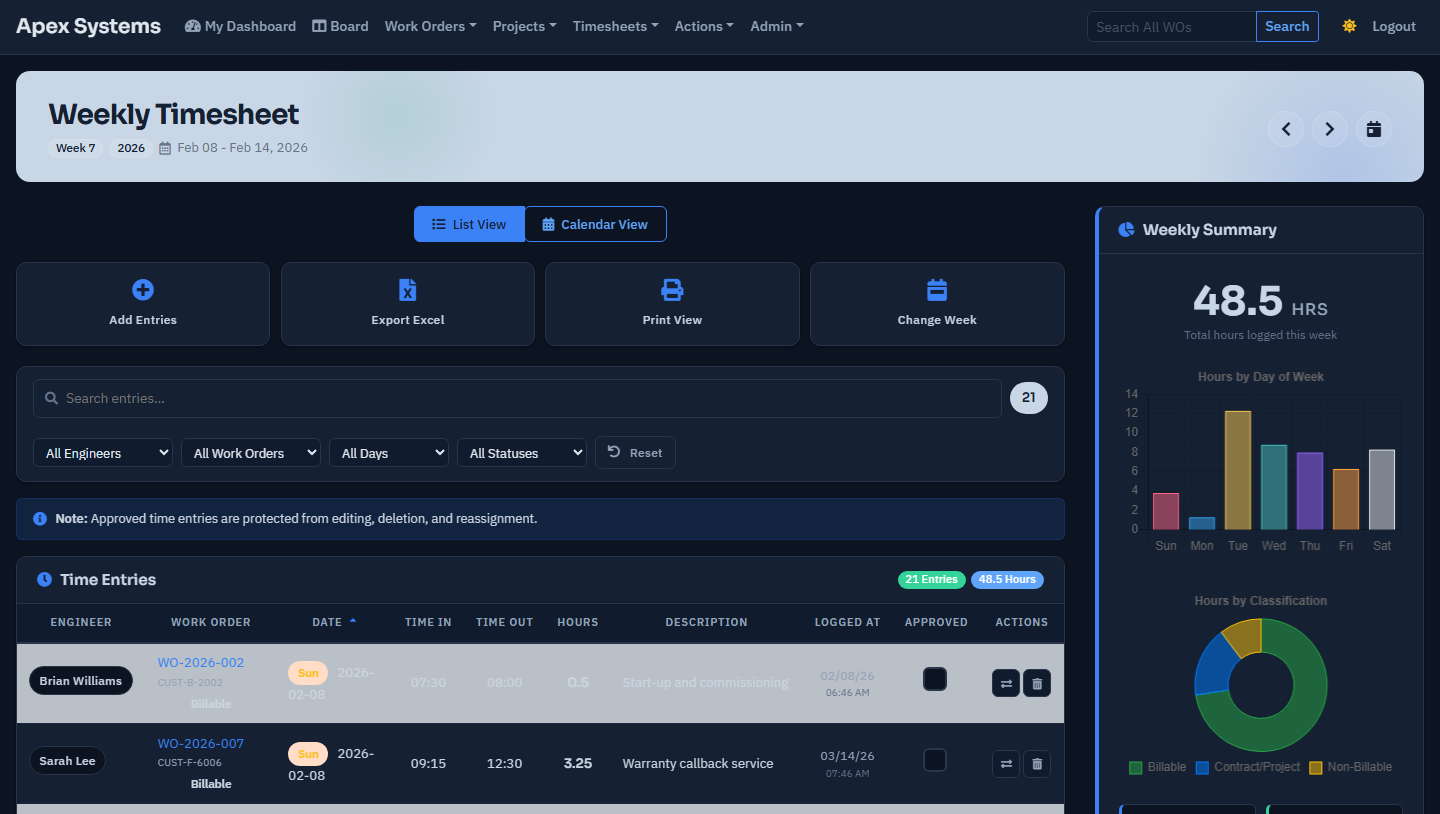
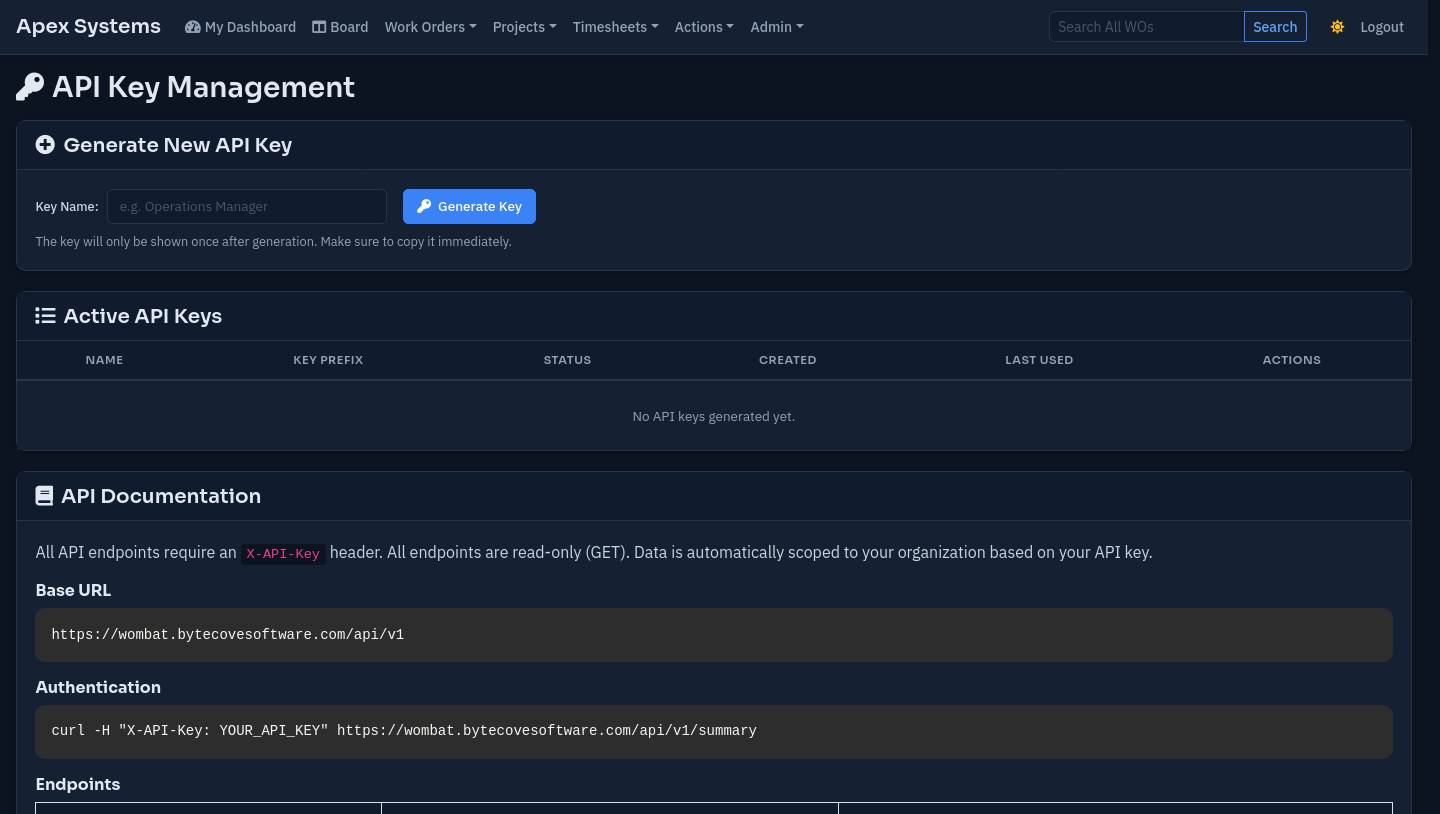
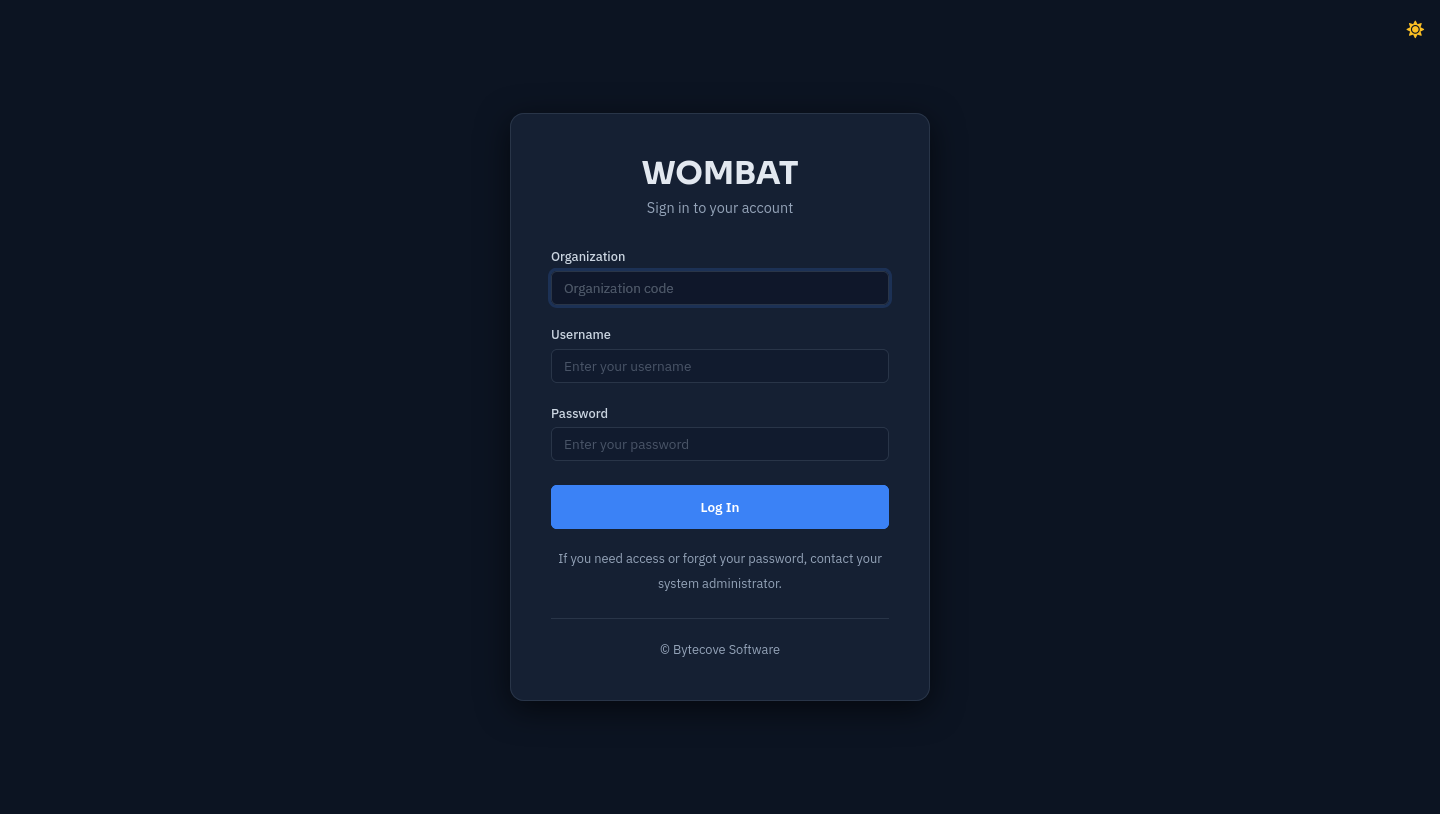
Built for teams that manage real work.
Live in days, not months.
WOMBAT is a hosted SaaS — no servers to manage, no installation required.
Discovery Call
We learn your workflow and requirements.
Tenant Setup
Your org is provisioned with users and settings.
Team Onboarding
We walk your team through every feature.
Go Live
Start tracking work immediately.
Ready to see WOMBAT in action?
If your team is still tracking work in spreadsheets, let us show you a better way.
Common questions
What is WOMBAT?
WOMBAT (Work Order Management & Business Administration Tool) is a multi-tenant SaaS platform for project-driven service teams. It centralizes work order tracking, project management with Gantt charts, time and labor entry, and operational analytics in one system.
Who is WOMBAT designed for?
Systems integrators, contractors, technical service teams, IT service providers, maintenance groups, and any team that manages work orders and needs visibility into labor and project performance.
How does multi-tenancy work?
Each organization gets its own fully isolated environment with a unique organization code. Data is completely separated between tenants. Users log in with their organization code, username, and password.
Does WOMBAT replace accounting or ERP software?
No. WOMBAT focuses on operational visibility — work tracking, labor management, job costing, and project performance. It complements your accounting system by giving you real-time profitability data per job, without the overhead of ERP.
How does job costing work?
Set bill rates per task or work order, and cost rates per employee. WOMBAT automatically calculates revenue, labor cost, profit, and margin as time entries are logged. Financial data is only visible to users with admin or accounting roles — field workers never see rates or margins.
Can I try it before committing?
Yes. We offer guided demos where we walk you through the platform with your own data and workflows. Book a demo through our contact page.